XR projects rarely fail because the idea is weak. They fail when device limits, 3D production, user flow, and rollout details are treated like afterthoughts. The best XR development companies usually stand out for the opposite reason — they make the technical side feel predictable before the work gets expensive.
The field is wide now. Some teams build enterprise tools for frontline workers, some lean into training and simulation, and others are stronger in branded immersive work. A shortlist only helps if the mix feels balanced, so this one pulls from different company sites and independent review profiles rather than mirroring one source.
Treeview is a strong first pick for enterprise XR and spatial software. Its public record includes work for Microsoft, Medtronic, Meta, ULTA Beauty, Ford, Lexus, and NEOM, which gives it unusually solid proof for business-focused immersive delivery. That makes it one of the clearer enterprise XR solutions providers for teams that need serious product work, not just a polished demo.
The studio also presents itself as senior-led and end-to-end, with Clutch emphasizing long-term partnerships and enterprise-grade engineering. That matters more than style points when the build has to last beyond launch.
Taqtile takes a different angle from most studios here. Its core product, Manifest, is built around digital work instructions for frontline teams, with support for mobile, tablet, and AR headsets. That gives it the shape of an XR software development firm with a very specific operational use case rather than a general immersive vendor.
The value is practical and easy to explain: less onboarding friction, fewer errors, and better task consistency in real work environments. For industrial, field-service, and defense-style settings, that focus is a real advantage.
YORD looks like one of the more balanced studios in this space. The company builds AI, VR, and AR products for enterprise innovation, with public trust signals that include 200+ brands and names such as Apple, Meta, LEGO, and Bentley. That keeps it in the conversation around top extended reality development companies without pushing it into giant-agency territory.
Its range is useful too. YORD can cover trainings, interactive installations, marketing work, and custom digital products, which makes it easier to keep strategy and execution in one place.
Delta Reality has a tighter, more specialized profile, and that helps. Clutch describes it as an XR studio with a team of 30 experts working across museums, visitor centers, immersive training, product presentation, and XR apps, with more than 100 projects delivered. That makes it a clean option for buyers looking for XR app development services with visible focus and a manageable team shape.
The client mix also gives it some weight. Public references include Disney, Microsoft, Samsung, T-Mobile, and Vaillant, which is enough proof to take the studio seriously.
Marevo has a narrower, more product-minded profile than many studios in this space, and that works in its favor. The company focuses on AR, VR, and 3D solutions for business use, with public messaging that leans toward practical tools rather than entertainment projects. If a team needs to hire XR developers for configurators, WebAR, or spatial product experiences, Marevo feels like a grounded option.
What stands out is the positioning. Marevo openly says it builds useful AR solutions and avoids mobile games, which gives the studio a clearer commercial focus from the start. Public company profiles also point to a compact Kyiv-based team serving clients across the U.S. and Europe, which makes the setup feel manageable for buyers who want direct collaboration.
Genius XR has a smaller, more creative footprint than some of the others here, but the profile is clear. Clutch describes it as a multidisciplinary content and development studio in Montreal focused on AR, VR, MR, AI, and 360 storytelling, with a team in the 10–49 range. That puts it among the top extended reality development companies for buyers who want strong immersive storytelling without jumping to a giant production house.
Its appeal is not complexity for its own sake. The work feels designed for brands and organizations that care about presence, atmosphere, and experience design as much as raw engineering.
Lens That closes the list from the creative XR side. The studio describes itself as an XR creative team working across AR, VR, XR, and metaverse platforms, while external profiles point to 500 to 600+ experiences across 50+ to 60+ markets. That makes it a credible option for XR app development services when the goal is reach, visibility, and campaign integration.
It is especially relevant for social and browser-led activations. If the brief is more about audience connection than enterprise workflow, Lens That can make more sense than a heavier product engineering shop.
Choosing The Right XR Partner
The best fit depends on what you are actually building. Treeview and Taqtile lean more naturally toward enterprise and operational use cases, while YORD, Genius XR, and Lens That make more sense for teams that need immersive work to carry a stronger public or creative layer. That kind of distinction matters more than chasing the loudest name in the market.
A good shortlist mixes shipped proof, delivery style, and technical fit. The best XR development companies are not interchangeable, and that is exactly why the list should stay varied. The right team is usually the one that already understands the type of XR work you need to make useful, not just impressive.
The headset gets the attention, but delivery is where most teams get stuck. The best Apple Vision Pro development companies usually stand out for simpler reasons: they understand visionOS constraints, spatial UX, and how to turn a concept into something people can actually use. Apple’s own developer guidance makes it clear that visionOS work depends on a mix of familiar frameworks and new spatial design rules, so execution matters early.
This space is still young, which makes the shortlist harder to trust. Some firms come from XR product engineering, some from iOS and digital product work, and some are adapting broader AR/VR capability into Vision Pro projects. The names below were pulled from a mix of official service pages and independent profiles rather than one recycled ranking.
Treeview is the clearest enterprise-first pick in this group. Its site frames the company as an XR studio for enterprise, with spatial computing work tied to major brands and a delivery model built around senior oversight, speed, and long-term partnership. That gives it a stronger product feel than many studios that still read like immersive campaign shops.
The practical value is in the structure. Treeview talks directly about end-to-end delivery, business impact, and shipping spatial apps that live beyond a demo phase, which is usually what larger buyers care about most.
nomtek looks especially strong for teams that want top Apple Vision Pro app development tied to a fast pilot. Its Apple Vision Pro page spells out a one-week feasibility step, then a prototype and production build, with use cases spanning training, product demos, and productivity in sectors like aviation, automotive, and healthcare. Clutch also ties the company’s broader AR/VR work to Apple Vision Pro and Meta Quest deployments.
That process is the real selling point. If your team wants to validate a spatial product quickly before committing to a larger rollout, nomtek’s framing feels more grounded than a generic innovation pitch.
Big Human is better known as a product design and engineering company, which makes it an interesting Vision Pro candidate. Its Vision Pro page ties the work back to its native iOS stack, strategy, UX, framework integration, and QA, while also saying the team has already built a visionOS-compatible app with passthrough and immersive mode. That makes it a reasonable option if you need to hire Apple Vision Pro developers through a product studio instead of a pure XR vendor.
What helps here is the tone. Big Human does not pretend every business needs a Vision Pro app, and that kind of restraint usually leads to a better discovery process.
Merge comes at Vision Pro from the product and design side, and that gives it a slightly different edge. The company’s service page focuses on building from scratch or adapting existing apps for visionOS, then backs that up with a structured sequence of discovery, roadmap, implementation, and support. It is a good fit for teams looking for top visionOS development agencies that think as much about product UX as technical delivery.
The second advantage is adaptability. Merge clearly positions itself around app porting as well as custom development, which is useful for companies that already have an iOS product and do not want to start over.
DevsTree presents a broader software profile, but its Vision Pro service page is detailed enough to take seriously. It lists consulting, full Vision Pro and visionOS builds, support for existing apps, upgrades, AR/VR development, and business apps, while also describing eye tracking, spatial audio, and RealityKit-driven rendering. That is enough to treat it as a credible visionOS app development company rather than just a general mobile vendor adding a new page.
The company also looks more accessible than some bigger names in the category. Clutch and the company profile point to a long-running team with a decent project base, which makes it a practical pick for buyers who want a broader dev partner with Vision Pro capability.
Volpis is another useful option for teams that want Vision Pro work without going to a giant XR shop. Its dedicated Apple Vision Pro page leans into applied use cases like object recognition, visual search, real-time measurements, accessibility, and app experiences that connect with broader Apple workflows. Clutch reviews also point to strong communication, flexibility, and project management, which matters a lot more than slogans once the build starts.
This feels like a practical choice for product-minded companies. Volpis has enough AR context to sound credible, but it still reads like a software team first.
Queppelin rounds out the list as a more immersive-focused development partner with a clear Apple Vision Pro offering. Its page emphasizes tailored Vision Pro development, broad cross-industry applicability, and related XR credentials, while client-facing sections point to hands-on work in 3D environments, metaverse builds, and related visual products. That makes it the most obvious Apple Vision Pro software studio in this shortlist.
The appeal is breadth inside immersive work. If your project leans more toward spatial interaction, 3D assets, or experiential product layers than a conventional enterprise app port, Queppelin looks like a better fit than a standard mobile studio.
Choosing The Right Vision Pro Partner
The right fit depends on the kind of product you are building. Teams porting an existing app may get more value from firms like Merge or Big Human, while product-heavy XR work may lean more naturally toward Treeview, nomtek, or Queppelin. Apple’s own visionOS resources make it clear that spatial design, immersion levels, and framework choices shape the whole build from the start.
A good shortlist balances product sense, technical range, and shipped proof. The best Apple Vision Pro development companies are not just the ones with a service page live — they are the ones that can carry a Vision Pro idea from early validation into something stable enough to keep using.
Meta wearables now cover more than one category. The stack includes Quest headsets for mixed reality work and AI glasses for lighter, always-on experiences, which is why the best Meta wearable development companies need more than generic XR skills. They need to understand hardware limits, interaction patterns, and what actually makes sense on a face-worn or head-worn device.
That changes the shortlist. Some teams are stronger at enterprise Quest apps, some are better at product-led XR, and a smaller group is already thinking in terms of wearable UX and app extensions. The companies below were chosen for that reason — not because they all look the same, but because each one clearly fits a Meta wearable use case.
Treeview is a strong first pick for serious spatial product work. Its site shows enterprise AR, VR, and mixed reality delivery for Microsoft, Meta, Medtronic, ULTA Beauty, and NEOM, and it explicitly supports Meta Quest in its MR services. That makes it one of the best Meta wearable development companies for teams that need product depth rather than a lightweight prototype.
What stands out is the range around the build. Treeview combines spatial product design, XR engineering, 3D content, and long-term support, and its AR services reference both Meta Quest and the Meta Wearables Device Access Toolkit. The studio also works with Meta’s smart glasses lineup, including Ray-Ban Meta (AI glasses with camera, audio, and sensor capabilities) and Meta Ray-Ban Display (the display-enabled model featuring an in-lens HUD, gesture controls via Neural Band, and expanded wearable experiences). This positions Treeview well for teams building connected mobile + wearable apps or extending experiences across Meta’s full ecosystem of headsets and glasses.
Frame Sixty keeps the offer focused and easy to read. Its AR/VR services page positions the studio around enterprise solutions for Apple Vision Pro, Meta Quest, web AR, and mobile, which gives it a cleaner Meta fit than many broader XR shops.
The pitch is practical, not abstract. Frame Sixty talks about proof-of-concept work, mixed reality execution, and enterprise use cases, so it feels more like a real delivery partner than a studio selling spectacle.
L+R is the clearest wearable-specific entry on the list. The company has a dedicated page for Meta Ray-Ban glasses work, covering custom app development, existing app extensions, wearable experience design, and real-time content for wearables.
That focus matters because most XR agencies still stop at headsets. L+R is more directly aligned with the kind of product thinking teams need when they are exploring consumer-facing or business-facing use cases tied to the best smart glasses category.
Nomtek feels like a good match for teams that want a product studio with strong immersive depth. Its AR/VR page points to 50+ delivered projects, 15+ years of product work, 100+ consultants, and support across Apple Vision Pro, Meta Quest, Unity, ARKit, and ARCore.
The appeal here is maturity. Nomtek does not frame XR as a side service, and the team’s focus on prototyping, scale, and practical value makes it a sensible option for buyers looking for best Meta wearable developers without moving into agency bloat.
StudioKrew fits the shortlist because it speaks directly to Meta Quest work instead of keeping XR vague. Search snippets from its AR/VR and technology pages point to experiences built for Meta Quest, Apple Vision Pro, HTC Vive, HoloLens, and ARKit/ARCore, with a heavier lean toward immersive products and interactive game-style environments.
This is a better fit for teams that want energy and flexibility around interactive builds. StudioKrew looks especially relevant when the project sits between headset app, 3D interaction, and game-like engagement rather than classic enterprise training software.
Oodles brings a broader engineering model, but its Oculus service pages are specific enough to qualify. The company says it builds VR applications for wearable devices including Oculus Quest and Oculus Rift, using Unity, Unreal Engine, Node.js, and C++, and it also lists AR/VR and wearable application development within its services.
That breadth gives Oodles a practical edge. If a Meta wearable project is tied to a larger product stack or needs fast staffing and implementation discipline, Oodles looks easier to plug into than a narrower XR-only boutique, especially for teams exploring smart glasses technology alongside headset-based products.
Zatun makes more sense in projects where immersion is tied closely to play, interaction, and user engagement. Its Meta-focused pages highlight work for Meta Quest and Oculus Quest, and the broader service mix points to hands-on experience with VR games and metaverse-style environments.
That gives the studio a clear lane. When the project depends on gameplay loops, world-building, or more layered interaction, Zatun feels like a better match than a general app development team.
Choosing The Right Meta Wearable Partner
The right pick depends on the device, the use case, and the team behind it. Teams building training or enterprise apps for Quest may lean toward Treeview, Frame Sixty, or Nomtek, while product teams experimenting with Ray-Ban Meta smart glasses workflows may get more value from L+R’s wearable-specific angle and product-minded approach.
A good shortlist should separate headset expertise from wearable UX expertise. The most useful partners are not always the biggest names — they are the ones that clearly understand the device, the constraints, the user context, and the actual job the software needs to do well over time.
Spectacles projects are easy to oversell and harder to execute well. The best Snap Spectacles development companies usually prove themselves in smaller ways first — clear scoping, realistic hardware thinking, and a strong grasp of how spatial AR behaves outside a concept video. Snap’s own developer stack is built for shared Spectacles experiences, which raises the bar for teams building on top of it.
That is why this shortlist matters. Some teams here come from enterprise spatial software, while others are sharper on Snapchat Lenses, branded AR, and social-first interaction design. The mix is deliberate, because Snap Spectacles work often sits somewhere between product engineering and audience-facing AR.
Treeview is the broadest studio on this list, but it still makes sense here. The company builds AR, VR, and spatial computing software for enterprise clients, and its public client set includes Microsoft, Medtronic, Meta, ULTA Beauty, Ford, Lexus, and NEOM. That gives it stronger proof than most studios that only speak in prototypes.
Its advantage is range. If a Spectacles project sits inside a larger wearable or spatial product and may later expand toward mixed reality glasses, Treeview looks more prepared than a social-only lens shop.
Designium XR is a more direct match for Snap work. The studio openly presents Snapchat Lens work on its XR pages and also shows a Snap Japan collaboration, which makes the company feel more grounded in this ecosystem than many general AR studios. That is enough to place it among the stronger augmented reality development companies for Spectacles-adjacent builds.
What helps is the creative-technical balance. Designium frames its XR work around campaign and experience design, but the Snap references show it can still execute within platform constraints instead of stopping at concepts.
GLOAM comes from the branded AR side, but the fit is clearer than that sounds. Its site positions the company as an official Snapchat Partner with 120+ AR campaigns delivered and a dedicated Snapchat Filters service for brands in the UK, US, and beyond. That makes it a practical choice for social-first Spectacles experiments and audience-facing AR work.
The company also spells out a simple production flow with briefing, storyboard, build, refinement, and launch. For buyers testing Snap-led AR glasses development in marketing or retail, that clarity is useful because it keeps the process legible from the start.
Headraft is a good option for teams that want a more hands-on creative studio. Its social AR work directly covers Snapchat and TikTok, and the company shows a Garnier Snapchat Lens project built around virtual hair-color try-on, hair segmentation, and shareable branded interaction. That gives it stronger practical proof than a generic “we do AR” claim.
The appeal here is campaign precision. If the work is meant to feel playful now but could later inform product thinking for mixed reality glasses, Headraft has the kind of face-aware interaction background that can still translate.
FFFACE.ME sits at the intersection of branded AR, try-on, and digital fashion, which makes it relevant for Spectacles-style consumer experiences. Its Snapchat page focuses on branded filters and Lenses, while the broader studio positioning includes work for L’Oréal, Mugler, Meta, Lenovo, Visa, Pepsi, Puma, and Porsche. That is enough proof to treat it as a serious specialist, not a novelty shop.
What stands out is the studio’s comfort with visual identity and interaction at the same time. For consumer-facing Spectacles ideas, that blend can matter more than enterprise process alone.
Filter Maker is one of the clearest Snap-specific agencies in the group. Its site states that the team is an official Snapchat partner and explicitly calls out expertise in Lens Studio, which is still the core build environment behind Snapchat Lenses and Spectacles workflows. That makes the company easy to place on a focused Spectacles shortlist.
What works here is how focused the offer feels. Filter Maker is very direct about building custom Snapchat Lenses, and the company presents the work as a clear, guided production process instead of dressing it up with bigger claims.
CNS Media is the least specialized company here, but still relevant because it actively promotes AR Filters and Lenses as part of its creative offer. The agency frames this work around branded social interaction, and its broader creative practice gives it enough range to support lens campaigns alongside media and content work. That makes it a reasonable option for marketing teams who want one vendor for more than just the AR layer.
This is less of a deep engineering pick and more of a practical campaign partner. If the brief centers on audience engagement rather than heavy product infrastructure, CNS fits that lane better than many studios pretending to do both equally well.
Choosing The Right Snap Spectacles Partner
The strongest teams in this space are rarely interchangeable. Some are better at branded Lenses, some are better at system-level spatial software, and some work best when the build has to sit inside a broader campaign. A useful shortlist separates those profiles early instead of treating every AR shop like the same vendor.
That is also why the best Snap Spectacles development companies are not always the most visible names. What matters more is whether the team understands Snap-native interaction, can work within wearable limits, and has already shipped the kind of experience you are trying to build.
The hardware is getting more interesting, but the real question is still the same: who can build something people will actually use? The best Android XR development companies tend to be the ones with solid mobile XR experience, good Unity workflows, and proof that they can move from concept to production without turning the project into a lab test.
That matters even more now because Android XR work sits between mobile engineering, 3D design, and product thinking. Some teams are better at enterprise software, some are stronger in training and simulation, and others fit product demos or consumer-facing experiences more naturally.
Standout Teams Among The Best Android XR Development Companies
Treeview looks like the clearest enterprise pick in this category. The studio builds XR apps and spatial computing software for brands such as Microsoft, Medtronic, Meta, ULTA Beauty, Ford, Lexus, and NEOM, which gives it stronger proof than most firms in the field. That makes it one of the best Galaxy XR development companies for buyers who care more about shipped product work than hype.
Its positioning is simple — senior-led execution, business-focused immersive software, and long-term support. That usually plays well with teams planning larger product roadmaps rather than one-off demos.
AESTAR is a more compact XR studio, but the fit for Android-first work is easy to see. The company explicitly builds WebAR plus AR apps and works with 3D modeling, motion design, and VR/AR products, which gives it a practical base for headset and mobile-adjacent builds. It also looks like a realistic choice for teams that need the best Android XR developers without jumping straight to a giant vendor.
What stands out is flexibility. AESTAR frames its work around browser and app delivery, which is useful when a product team wants to test a lighter rollout before committing to something bigger.
Sensorama has a stronger applied profile than many studios in the same size band. Its site points to 100+ delivered projects across real estate, industrial, educational, and cultural environments, and the company also runs VR training products for workforce development. That makes it relevant for teams thinking beyond demos and closer to mixed reality development that has to work in real settings.
It is also easier to picture where Sensorama fits. If a team is building training, simulation, or operational XR solutions, the company’s track record feels more grounded than agencies that stay mostly in campaign work.
CitrusBits comes from a broader product background, but its AR/VR practice is substantial enough to matter here. The company describes end-to-end augmented reality development that covers 3D modeling, animation, computer vision, spatial audio, and frontend/backend work, with public examples tied to healthcare and immersive business apps. For buyers that want to hire Android XR developers inside a wider app team, that mix is useful.
The practical advantage is range. CitrusBits can connect immersive features to a larger product stack instead of treating XR as a separate experiment.
BVG Software Group feels more engineering-led than design-led, and that can be a plus. The company’s site and Clutch profile both point to AR/VR development, Unity expertise, immersive content work, and a delivery model built around analysis, quotation, and on-time execution. That makes it a credible option for teams that want discipline more than spectacle.
Its strength is probably process. BVG talks about risk sharing, transparency, and learning the client’s business before building, which usually leads to fewer surprises later in production.
Delta Reality is one of the more balanced names on this list. The company presents XR work for museums, immersive training, product presentation, and XR apps, while ArborXR describes it as a 35-person studio with clients like Disney, Microsoft, Samsung, T-Mobile, A1 Telekom, Vaillant, and Linde. That gives it a believable profile for teams watching the Samsung Galaxy XR headset category and wanting a studio already comfortable with broad XR delivery.
This is also a good fit for buyers who want XR solutions that sit between enterprise use and audience-facing polish. Delta Reality seems comfortable on both sides of that line.
Onix is the most product-engineering-heavy option in this shortlist. Its AR/VR service pages position the company around immersive customer experiences, while public profiles add Android app development, UI/UX, and a long history in software delivery. That blend makes it easier to trust for spatial computing work that has to live inside a broader Android ecosystem.
The value here is not just XR skill. Onix looks useful when the immersive layer is only part of a much larger product, platform, or app roadmap with longer-term technical planning.
Choosing The Right Android XR Partner
The right team depends on what you are actually building. Treeview and BVG feel stronger for serious product delivery, Sensorama and Delta Reality make more sense for training and simulation, and CitrusBits or Onix fit better when XR has to plug into a larger app stack. The clearer the use case, the easier it is to choose well.
A good shortlist should mix proof, technical fit, and delivery style. The best Galaxy XR development companies are not always the loudest ones — they are usually the teams that can connect 3D work, mobile logic, and real product constraints without making the build harder than it needs to be. That usually matters more than a flashy reel.
The gap between a good XR concept and a usable smart-glasses product is still wide. The best XREAL development companies usually stand out for practical reasons — clean Unity work, strong mobile foundations, and the ability to build around headset limits instead of pretending those limits do not exist. That matters more than a flashy prototype when the goal is repeat use, not a one-time demo.
This market is also more mixed than it looks at first glance. Some firms are stronger in enterprise software, some lean into training and industrial workflows, and others bring more product or content design into the build. A shortlist works best when those profiles are balanced rather than copied from one obvious ranking.
Treeview looks like the clearest enterprise option on this list. The studio builds AR, VR, and mixed reality software for brands such as Microsoft, Meta, Medtronic, ULTA Beauty, Daiichi Sankyo, and NEOM, with a service set that runs from spatial product design to XR software engineering and long-term support. That makes it easier to trust for serious spatial computing work rather than lightweight campaign output.
Its public client signals help too. Treeview’s site and review profile both point to strong delivery discipline, enterprise-grade execution, and flexible project handling, which is usually what buyers care about once the pitch stage is over.
IMUHUD is one of the clearest smart-glasses specialists in this group. Its site is focused on smart-glasses application development, AR glasses software and UX, Android XR and wearable app development, plus AI-powered hands-free workflows for enterprise use. For teams building around XREAL glasses, that kind of direct alignment is hard to miss.
The process also reads like a real deployment flow rather than a broad services pitch. IMUHUD starts with workflow analysis and device constraints, then moves into gesture and voice interaction, data processing, and real-world testing, which is exactly how wearable projects usually need to be handled.
Giant Lazer sits closer to industry and education than most XR studios, and that makes it an interesting fit here. The company builds VR and AR applications for training, simulators, process visualization, and assisted reality for smart glasses, with clients including Red Bull, ING, KPMG branches, and BCUBE Projektlogistik. If you need to hire XREAL developers for operational software rather than promotional work, this profile makes sense.
There is also a useful product angle. Giant Lazer talks about reusable B2B VR and AR platform components that reduce the need to build everything from scratch, which can help when timelines are tight and internal teams need something proven.
Wondour comes from the mobile and product side, but it has credible wearable and XR proof. Its Clutch profile highlights more than 20 million app downloads, top-charting app work, and a role as TCL’s first development partner for a wearable headset. That gives it a good case for buyers comparing best XREAL development studios with stronger app-building discipline behind them.
The second advantage is process range. Wondour’s public review material shows it moving from concept and prototyping through design, build, optimization, and scaling across devices, which is a useful sign for teams that want one partner instead of several.
Augment IT has a more enterprise-heavy profile than most companies in this niche. Its site describes a Swiss software company focused on mixed and augmented reality for business, with work tied to industrial inspection, maintenance, training, and service through its Inspect AR platform. That makes it relevant for teams looking to hire XREAL developers for real operational use, not one-off experiments.
What stands out is the business context. Augment IT talks directly about frontline work, smart glasses, and structured operational knowledge, which gives it a stronger angle for augmented reality developers working on enterprise deployment rather than consumer novelty.
ServReality makes sense for teams that need more than a narrow XR vendor. The company works across AR/VR, AI, and game development, and its public materials point to 100+ specialists, more than 100 AR/VR mobile apps, and 600+ completed projects. That wider engineering bench helps keep it in the mix with the best XREAL development companies when an XREAL build has to connect with a larger product, not just the headset layer.
The public proof is solid enough to take seriously. ServReality shows case examples and client logos, and the way it frames the work leans toward custom builds instead of prepacked solutions. That usually fits better when the headset experience has to match an existing workflow, app, or business system.
7DX makes sense here because its work is clearly tied to enterprise AR, smart glasses, and supported hardware ecosystems. The company’s enterprise AR materials point to smart-glasses workflows, digital twins, training dashboards, remote assistance, and a device list that includes Nreal, HoloLens, Vuzix, Lenovo ThinkReality, and RealWear. That makes it a credible option for buyers focused on best AR glasses projects rather than broader XR work.
The company also frames the process well. 7DX describes itself as an open-ecosystem immersive studio that helps clients choose hardware, plan deployment, and customize tools around the actual operation, which is a better fit for long-lived AR glasses with display workflows than a studio built mostly for visual flair.
Choosing The Right XREAL Partner
The right fit depends on what the product actually needs. Treeview and Augment IT feel stronger for enterprise systems, Wondour and ServReality make more sense when mobile product logic matters, and IMUHUD, Giant Lazer, or 7DX fit better when the brief is rooted in smart-glasses workflows. That is why the best XREAL development studios are rarely interchangeable.
A strong shortlist should mix technical fit, shipped proof, and delivery style. The teams above are varied on purpose, and that is usually the smarter way to buy into XR — especially when the goal is something people will keep using after the first week.
Condo STR owners live in a tricky middle ground.
Their properties are often small enough to be overlooked by large providers, yet packed with furnishings, finishes, and site-level details that can make accelerated depreciation worthwhile.That is why the best cost segregation companies tend to be the ones that understand residential nuance, not just big commercial assets.
The right firm is not just selling a report. It is helping you decide if the study makes sense, what kind of documentation you need, and whether the payoff justifies the fee. That is why it helps to compare providers not just on name recognition, but on how clearly they handle residential properties, pricing, and audit-ready documentation.
Best Cost Segregation Firms For Condo STR Owners
1. SMF Cost Segregation Advisors
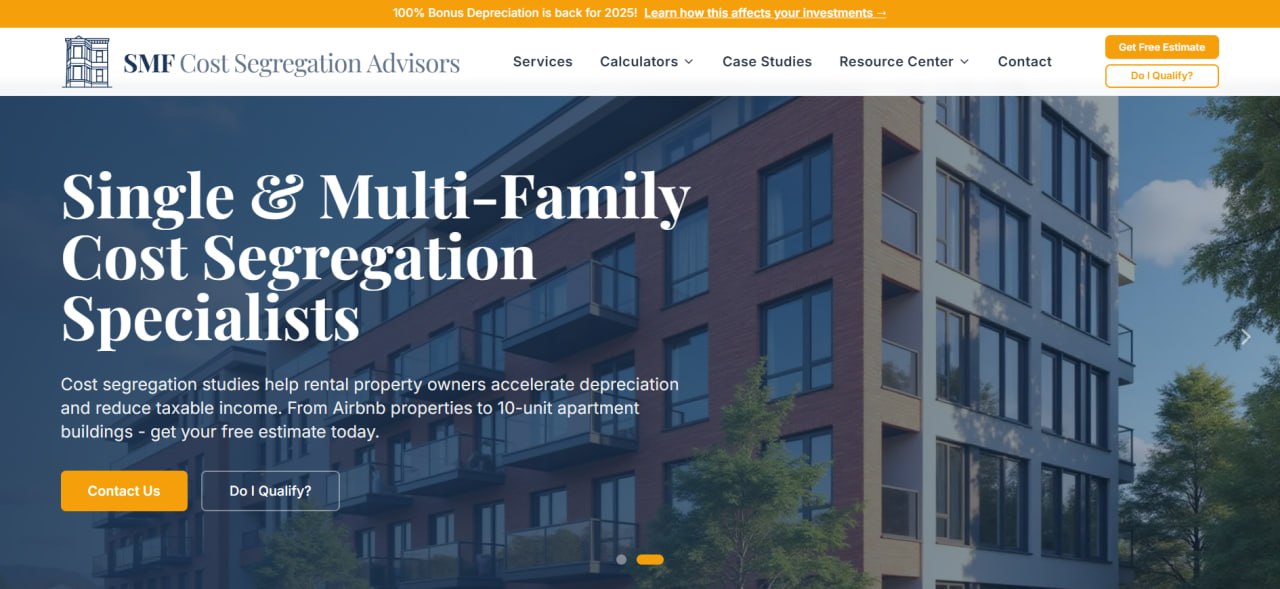
SMF Cost Segregation Advisors focuses on short-term rentals, single-family rentals, condos, townhomes, and small multifamily properties up to 10 units. For condo STR owners, that matters because many larger providers still spend more time talking about commercial buildings or large apartment assets. The firm’s service and state pages also outline a process built around remote intake, virtual site visits, and audit-ready engineering reports, which makes its cost segregation study approach easier to assess for smaller residential properties.
The company also gives owners a fairly concrete picture of what to expect. SMF publishes case studies from all 50 states, reports first-year total depreciation to be up to 20-40% of your property’s basis, and says average ROI often lands between 10x and 20x. Its FAQ section is also fairly direct on residential pricing, and owners who want a quicker first-pass check can use the firm’s cost segregation tool before moving forward.
2. Cap Cost Seg
Cap Cost Seg is a good option for owners who want engineering-led work without the feel of a giant national platform. The firm says its methods are shaped by Big Four experience, and its services page makes a direct pitch to Airbnb and apartment owners rather than only commercial landlords. That mix works well for condo STR investors who want a provider that already understands smaller residential assets.
The firm also emphasizes remote delivery and says it serves all 50 states. What stands out is the balance between technical language and straightforward positioning: free assessments, apartment and Airbnb experience, and a construction background that supports the engineering side of the study. For owners who want something more hands-on than software alone, Cap Cost Seg feels like a practical middle path.
3. CSSI Services
CSSI Services has one of the more direct service pages for Airbnb and short-term rentals, which immediately makes it relevant here. The company does not bury STR owners inside a generic real-estate page. Instead, it lays out how flooring, cabinetry, appliances, fixtures, and exterior improvements can be reclassified into shorter recovery periods, and it backs that up with actual example properties and savings outcomes.
That concreteness is useful for condo owners, who often need to see what qualifies before they can judge whether a study is worth pursuing. CSSI also frames short-term rentals as a stronger tax asset than many hosts realize, which is a more specific message than the generic “accelerate depreciation” copy most firms use. It deserves a place among the top cost segregation companies for owners who want a firm that speaks directly to the STR use case.
4. Maven Cost Segregation
Maven Cost Segregation works well for owners who want more tax-advisor framing around the study itself. Its STR page explains how furnishings, fixtures, and equipment can materially change the economics of a short-term rental cost segregation analysis, which is especially relevant for condo units with upgraded interiors. The site also ties the work back to Form 3115 support and detailed engineering studies, which gives it more depth than a simple calculator-first provider.
Maven is also one of the cleaner places to answer the question what is cost segregation without turning the explanation into a wall of tax jargon. It lays out the shorter recovery periods, explains why STRs behave differently from standard long-term rentals, and gives owners a reasonable bridge from concept to action. That makes it a good pick for condo investors who are still early in the learning curve.
5. Hull & Knarr
Hull & Knarr comes at the market from a tax credits and deductions angle, but its short-term rental page is sharp enough to make the list. The firm describes itself as a group of degreed engineers and CPAs, and it gives a concrete beach-house example showing how much depreciation and cash flow a study can unlock over the first five years. That kind of framing appeals to owners who want a technical shop with tax fluency, not just a marketing-driven provider.
It is also one of the few firms that plainly notes how STR deductions may offset ordinary income such as W-2 wages, which is often the real reason owners start looking at this strategy. The overall message is calm and conservative, which can be helpful when you want a firm that sounds more like an advisor than a pitch deck.
6. CSA Partners
CSA Partners has been in cost segregation since 2006, and that long runway shows in how the company talks about the work. Its homepage emphasizes a fast, no-obligation tax savings analysis, and its STR article focuses on the underlying mechanics rather than buzzwords. For condo STR owners, that combination can be useful when the goal is to decide quickly whether the property is worth pursuing.
The firm’s construction roots also matter. CSA explains the building-breakdown logic in a clear way and tends to frame cost segregation as a cash-flow tool, not a magic trick. That makes it a sensible option for owners who want a seasoned specialty firm without jumping straight to a massive national provider.
7. R.E. Cost Seg
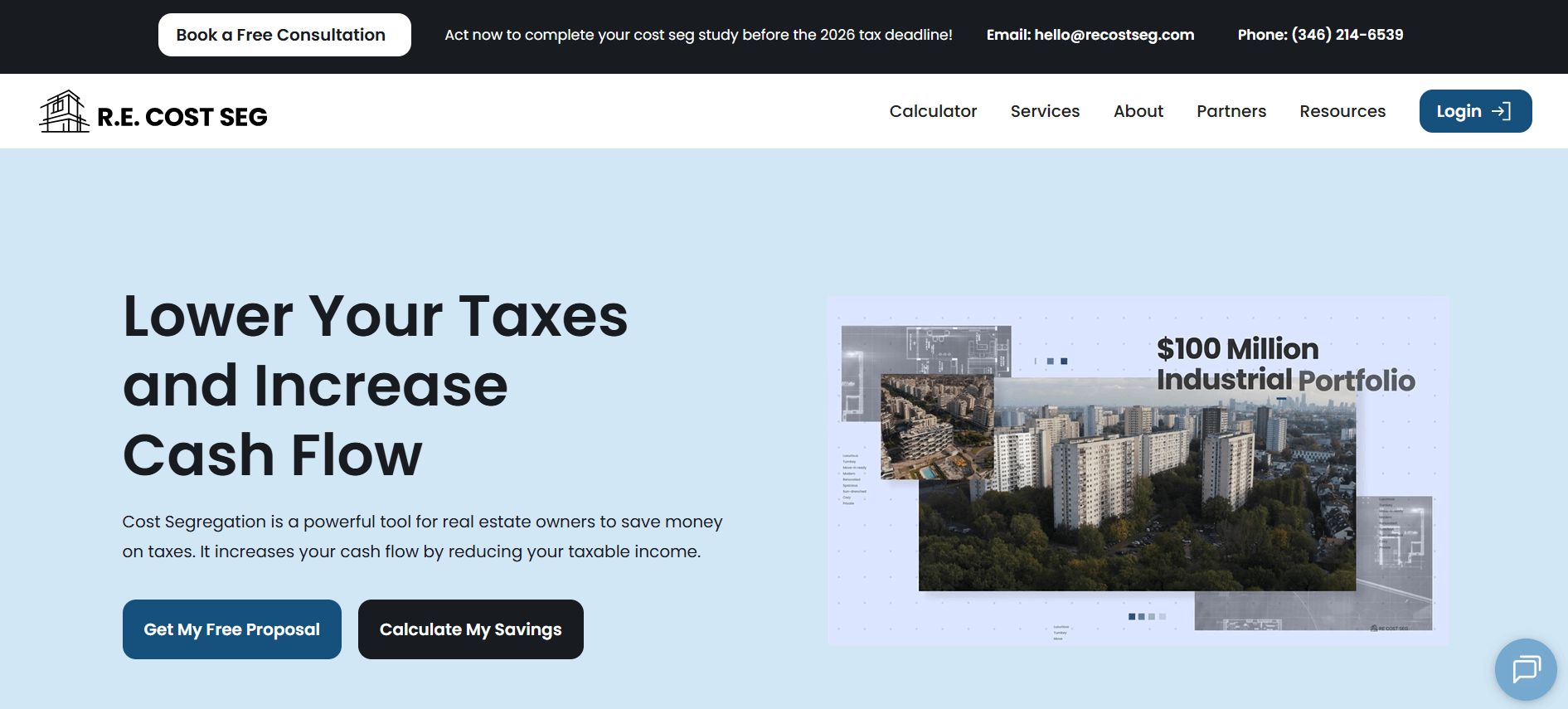
R.E. Cost Seg feels built for owners who want speed and lower friction. The company highlights virtual tours, free proposals, multiple study options, and a process that can move without an on-site visit for every property. It also explicitly lists short-term rentals among its target asset classes and says it has handled thousands of studies across all 50 states.
What makes it stand out is how operational the offer feels. There is a clear four-step process, audit support is included, and the firm talks openly about sharing fixed-asset schedules with CPAs to reduce cleanup work later. For condo STR owners who want a smoother workflow, that is a real advantage.
8. Apex Reserve Group
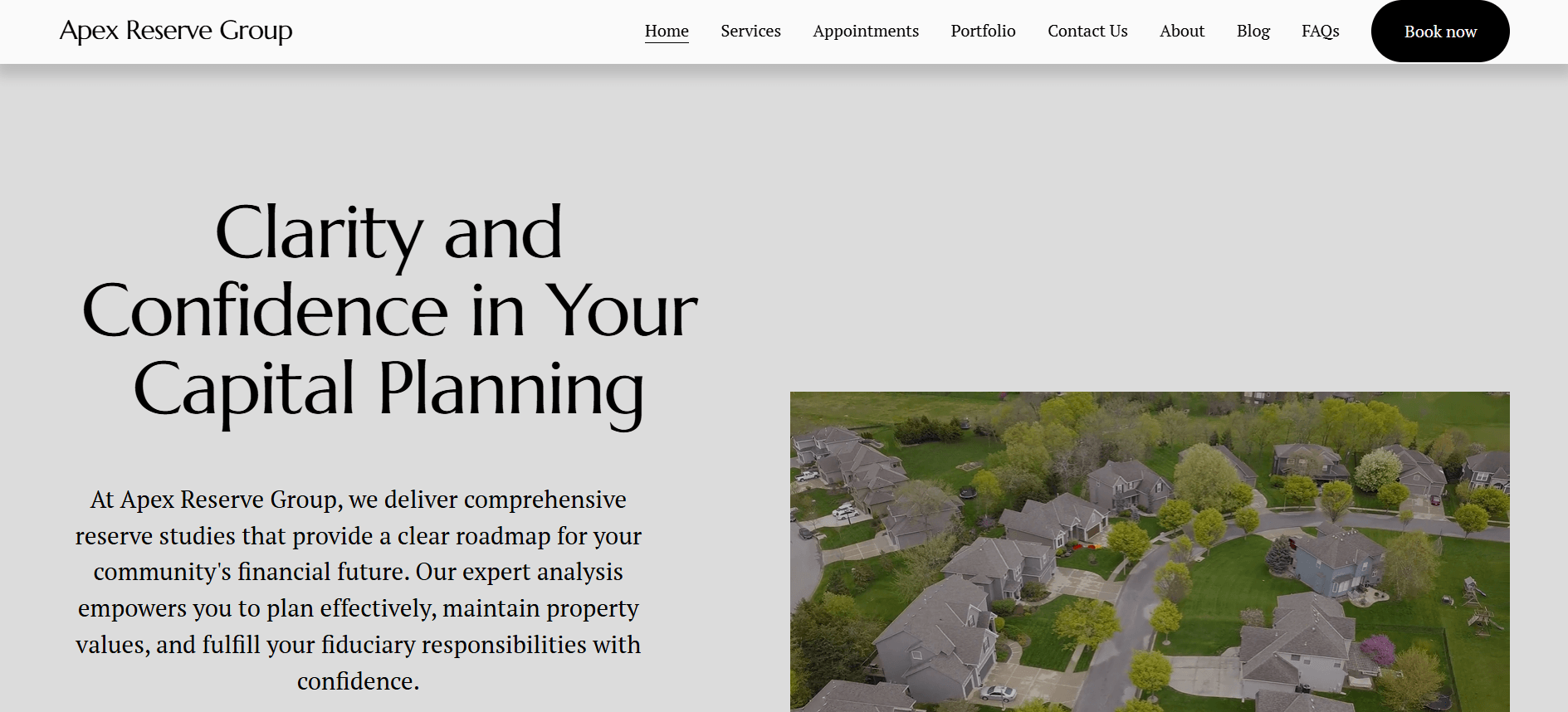
Apex Reserve Group is worth a look because it speaks directly to Airbnb and short-term rental investors and offers nationwide service. Its service page frames the study around cash-flow improvement, look-back studies through Form 3115, and documentation that can hold up under IRS scrutiny. That combination makes it a practical fit for condo owners who may have owned the unit for a while and are wondering if they can still catch up on missed depreciation.
Another useful detail is the bundled compliance layer. Apex says every study includes a one-year subscription to its RepStatus platform, which logs documentation and timestamps to support audit readiness. That is not the main reason to choose a firm, but it is a thoughtful extra for owners who want cleaner records around their STR tax strategy.
9. Cost Seg EZ
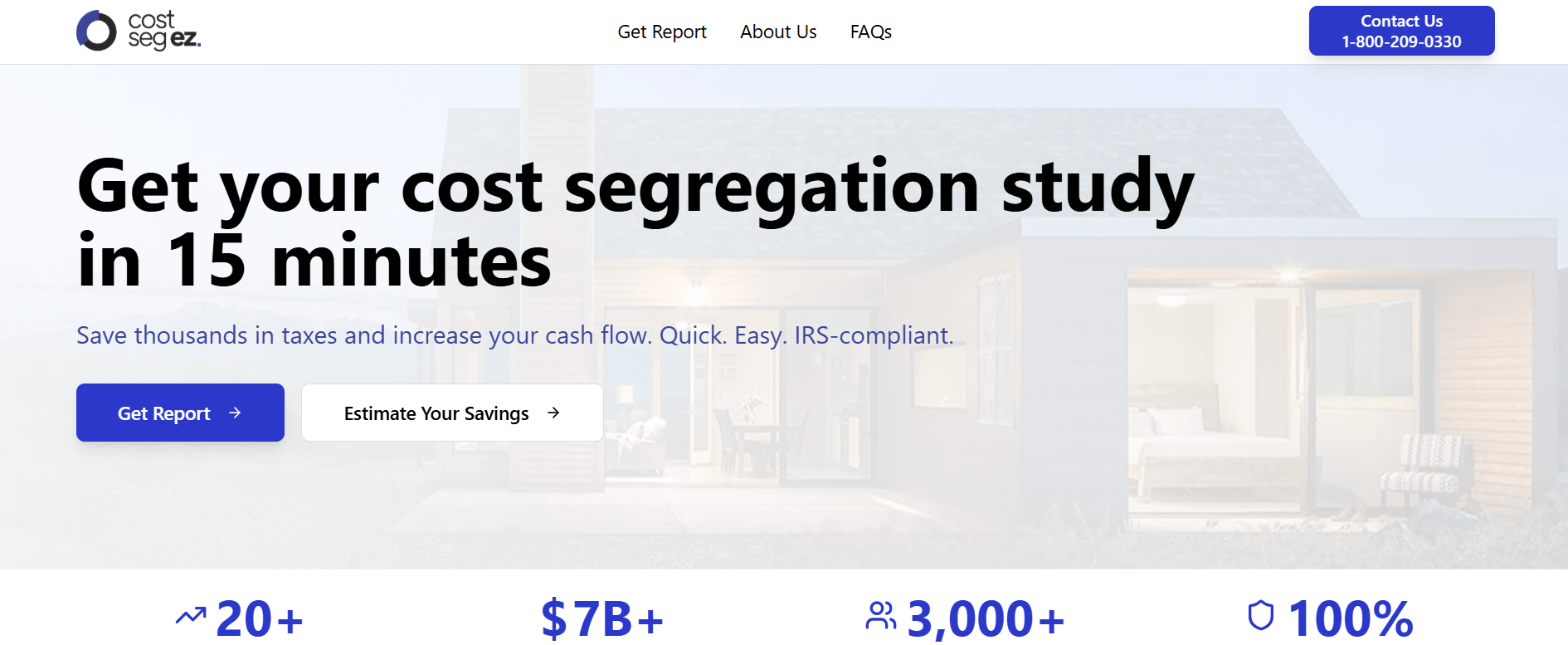
Cost Seg EZ is the most software-forward option on this list, but it still belongs here because it is backed by a specialty tax advisory firm and multiple service levels. The company says it was built to make cost segregation cheaper and faster for simple residential properties, and its service menu ranges from instant DIY reports to engineer-reviewed and fully engineered studies, which gives owners a clearer sense of the cost segregation study cost.
The nuance is important, though. Cost Seg EZ’s DIY tier excludes condos, so condo owners will usually need the engineer-reviewed or fully engineered path instead. Even so, the firm’s pricing visibility, 20+ years of experience, 3,000+ completed studies, and residential focus make it one of the more interesting alternatives to the old full-service-only model.
10. Vik Randhawa, CPA
Vik Randhawa, CPA is the narrowest player on the list, but it fits the theme well because the firm has a dedicated short-term rental cost segregation page and speaks directly to Airbnb, VRBO, and furnished rental owners. The page emphasizes tailored studies, IRS-compliant documentation, and practical implementation support rather than generic tax theory. For owners who prefer a CPA-led relationship, that can feel more approachable than a specialist engineering brand.
The process is also laid out clearly: consultation, analysis, report preparation, implementation, and follow-up. That sequence is simple, and the Bay Area location may appeal to owners who want a more regional advisor with a direct service page for short-term rentals instead of a broader national marketing machine.
Choosing The Right Fit
The right firm depends on what kind of owner you are. If you own one condo and need a straightforward residential process, SMF, Cost Seg EZ, or Vik Randhawa may feel more natural. If you want broader engineering depth or more formal tax-advisory framing, Maven, CSA Partners, Hull & Knarr, or CSSI may be better fits.
A strong shortlist usually comes down to three things: fit for STR residential assets, clarity on pricing and process, and proof that the firm can actually explain the study to your CPA. The best cost segregation companies are not always the largest ones. They are the firms that understand condo STR economics, move efficiently, and make the tax benefit easy to defend if questions come later.
If you want to feature your cost segregation firm on this list, email us. After a thorough assessment, we’ll decide whether it’s a valuable addition.
Whether you want to build your e-commerce store to sell your merchandise or simply want a website builder to host your blog, WordPress offers most features you’d need for your next website.
However, despite accounting for 47% of the globe’s websites, WordPress isn’t the only website builder available. Wix is a formidable WordPress competitor that has made a name for itself by offering sites that require zero coding experience.
So, if you are keen to find out which website builder is best for your needs, read on to find out how they both compare in this massive WordPress vs. Wix comparison guide.
WordPress vs Wix: Feature Comparison
1. Setup
Setting up the Wix platform is easy and can be done in minutes. Thankfully, the platform offers a handy drag-and-drop editor that speeds up the entire process. WordPress generally takes longer to set up, but it’s also equipped with superior customization options that allow the CMS to be installed automatically.
2. Templates
Wix’s templates are professional, user-friendly, and versatile. However, once you choose a particular Wix blogging template, you are locked into it, which is quite a downside.
In comparison, WordPress has thousands of templates for bloggers, but selecting a suitable one is a hit-and-miss affair. The only silver lining is that these templates are more flexible than Wix’s, enabling you to add features that suit your needs.
3. Ease of use
Selling on Wix is easy. Anyone can use the pre-designed templates and drag-and-drop tools highlighted earlier to make stunning eCommerce websites without programming experience.
WordPress eCommerce, on the contrary, is a tough egg to crack because the CMS requires a minimum level of technical proficiency to fire on all cylinders. Yes, using WordPress eCommerce themes without coding skills is possible. However, you may find it challenging to customize your site beyond the rudimentary options provided by plug-ins and themes.
4. Price
The cost of building a website is one of the most important determinants when selecting a site-building platform. Wix has a simple monthly payment structure, so you know exactly how much you must pay. WordPress is a bit complicated, though, but as to which is cheaper, it’s not strictly black and white. Wix has two clusters of monthly plans.
For regular Wix users:
Free plan ($0/month) – But displays Wix ads, and you can’t use your domain
VIP ($24/month)
Unlimited ($19/month)
Combo ($12/month)
Connect Domain ($9/month)
For Wix eComerce Stores:
Super Store ($39/month)
VIP Store ($34/month)
Unlimited store ($24/month)
Basic Store ($16/month)
For WordPress users:
Web hosting – This can range anywhere from $50 per month for cheap shared hosting to $30 monthly for quality WordPress hosting.
Domain name – goes for around $10 yearly.
Plugins (optional) – You can purchase premium plugins and themes with better support, functionality and designs.
Overall, a WordPress site will likely be cheaper in the long run (due to Wix’s flat monthly rate)
Wix vs WordPress: Which One Should You Choose?
If you want a straightforward way to set up a website and aren’t bothered with the flexibility to customize your site or complete data ownership, go for Wix. However, if you want more flexibility in the future, moving away from Wix will be a headache.
But for a majority of users, WordPress is arguably the best option, and here’s why:
WordPress gives more flexibility in terms of adding more functionality to your website.
You have total control and ownership over your data
While not as beginner-friendly as Wix is, it’s still easy enough even for newbies to get a grasp of
Conclusion
Consider your technical capabilities and long-term objectives when deciding between the two platforms. WordPress and Wix have their strengths and weaknesses, and your specific user requirements should guide you when selecting the platform of your choice.
Torrenting comes with many risks, from ISP monitoring to unwittingly downloading malware or copyrighted material.
With so many torrent sites and downloaders vying for your attention, this blog will provide the information to help you make a safe decision.
The Best Torrent Downloaders 2024
1. uTorrent (Free or $19.95/year (Pro plan))
μTorrent is considered by many to be the best BitTorrent downloader in the world. μTorrent was founded in 2005 by Luis Strigeus and boasts cutting-edge file-sharing capabilities through the BitTorrent protocol.
With μTorrent, you can expect more functionality than your average torrent client. The paid version of the software has more security features to keep you safe online.
Pros
It is lightweight and efficient; downloads are super-fast
Comes with a file converter kit
Compatible with all operating systems
Cons
Not all features work as well as advertised
18 antivirus apps have flagged μTorrent
2. BitTorrent (Free or $19.95/year (Pro plan))
BitTorrent was founded in 2001 by Bram Cohen. It has over 100 million monthly active users as per its home page. These statistics constitute a vast percentage of the global internet traffic volume.
BitTorrent allows for efficient streaming and content downloading through its advanced features. You can download as many torrents in parallel and adjust the priority for each of these downloads.
Pros
BitTorrent requires less than 20% of the CPU capacity thus your device won’t be starved of its resources.
Utilization of the secure download protocol
Its drag-and-drop functionality turns the torrenting process into a simple one.
Cons
Its free version is saturated with ads.
3. Deluge (Free)
Deluge was created in 2006. It has high-end features like proxy support, DHT, and protocol encryption. The torrent client applies the BitTorrent protocol which is an easy way to share files.
Deluge is free and can be deployed as a standalone app or through the client server. The software is compatible with Windows, Linux, and Mac OS X systems.
Pros
You don’t need much RAM and disk space to start with
Deluge is an ad-free and malware-free software
The UI is clean and easy to navigate
Cons
The abundance of its plugins may confuse newbies
Deluge hasn’t been updated in a long time
4. qBittorrent (Free)
qBitTorrent improves torrent management through a user-friendly interface and easy-to-use features. It offers adjustable torrent prioritization, bandwidth management, and low system resource usage.
Some of the strengths of uTorrent are that search is simple, adding torrents is quick, downloads happen one by one, and there are no distracting ads.
Pros
It has customizable features for faster torrenting
It supports integration with external web browsers
qBittorrent has a simple interface
It is updated often to prevent bugs or glitches
Cons
Doesn’t support Android and iOS devices
It has a slightly outdated design
Factors to Consider When Choosing The Right Torrent
Seeders and leechers
Seeders are people who mainly upload content. Leechers are those who download more than they upload. The more seeders a torrent has, the higher the download speed. A higher ratio of leechers to seeders will potentially cause download disruptions.
Source and reputation
Many sites offer torrents as downloads, but some are shady and may carry malware. For your safety, only download torrents from reputable sites – preferably those with built-in security features.
Torrent type and format
Before choosing the best torrent downloader, consider whether you can run the content on your devices. Doing so is crucial because some files come encoded with file formats incompatible with Windows Media Player.
Conclusion
When deciding which torrent is best for you, carefully consider the above factors and research thoroughly. Proper research will improve your torrenting experience and reduce the risks associated with malicious or low-quality content. Remember, only download safe files and avoid infringing upon people’s copyrights!
As more businesses transition to remote and hybrid work architecture, the demand for reliable video teleconferencing solutions has skyrocketed. Webex by Cisco and Zoom are the most popular solutions. So, which is better?
Here is an in-depth review of Webex vs. Zoom covering their core features, pricing, and pros and cons of each to help you make a more informed decision for your team.
Webex vs. Zoom Comparison Guide
Features
Zoom and Webex are highly rated web conferencing platforms, and both offer a range of features, such as whiteboard, screen sharing, cloud charting, and mobile apps. However, there are some notable differences between their feature functionalities.
Zoom has some fun features that are conspicuously missing from Webex and provide a better overall experience than the latter. For instance, breakout rooms and Virtual backgrounds elevated Zoom’s popularity during the pandemic. Webex is working to replicate these features and has promised to “release them soon.”
The chat functions of both tools are similar, but Zoom is a step ahead on two fronts. First, it has more emojis, and second, Zoom has introduced a Meeting Chat hub allowing users to save in-meeting chats and continue the conversation post-meetings.
Security
Security is perhaps one area where Webex has one calling card over Zoom. Zoom’s reputation took a hit during the pandemic days when the company had widely publicized security issues. Since then, Zoom has taken measures to address the security flaws. Webex has been rock solid over the years, never suffering any major security incidents. Today, both platforms have:
Mid-level FedRAMP authorization for defense and government departments
AES-256 encryption
End-to-end meeting encryption
TLS 1.2 signaling
BAA/HIPAA compliance, among many other security features
Video quality
While video quality can be quite challenging to achieve depending on the internet’s reliability, both platforms offer similar and standard video specs of 720p and 1080p. Free video conferencing tools like Skype and Google Meet can’t compete with Zoom and Webex in the quality department.
Zoom and Webex also have features to reduce background noise and in-depth guides to improve audio quality. Webex even offers the option of recording MP4 audio so you can transcribe them for future notes.
Pricing plans
Both Webex and Zoom post their pricing plans online. So, we won’t burn through a lot of column space highlighting prices that often change over time. Needless to say, it’s worth mentioning that Zoom offers five pricing plans to Webex’s four. Also, both platforms have the same bundled price for calling, so there are no actual cost savings when using either.
In general, Zoom appears to go heavy in offering more features (overall) as you move further away from the free basic plan. Does this translate into better value? It depends on your specific needs. It’s hard to definitively state whether you’ll get better value for every extra dollar you spend.
Zoom pros and cons
Zoom doesn’t have many drawbacks apart from the fact that it once had a bad rap for security (but that’s already been addressed). Other than that, Zoom paid plans can accommodate meetings for more than 24 hours if you need such capability. Zoom also offers a higher capacity for meetings than Webex, a fact that you’ll love.
Webex pros and cons
Webex is easier to learn and has a better reputation for meeting security (although Zoom has caught up). The only downside is that It is less widely used, which can make it tricky to find other Webex users.
Conclusion
For all intents and purposes, Zoom and Webex have much to offer in terms of feature-rich online conferencing facilities. However, Zoom is the clear winner in terms of the total number of features and overall ease of use. But this doesn’t mean you can’t leverage the capabilities of both tools to get the best of both worlds.

.png)
.png)
.png)
.png)
.png)
.png)

.png)
.png)
.png)
.png)
.png)
.png)